
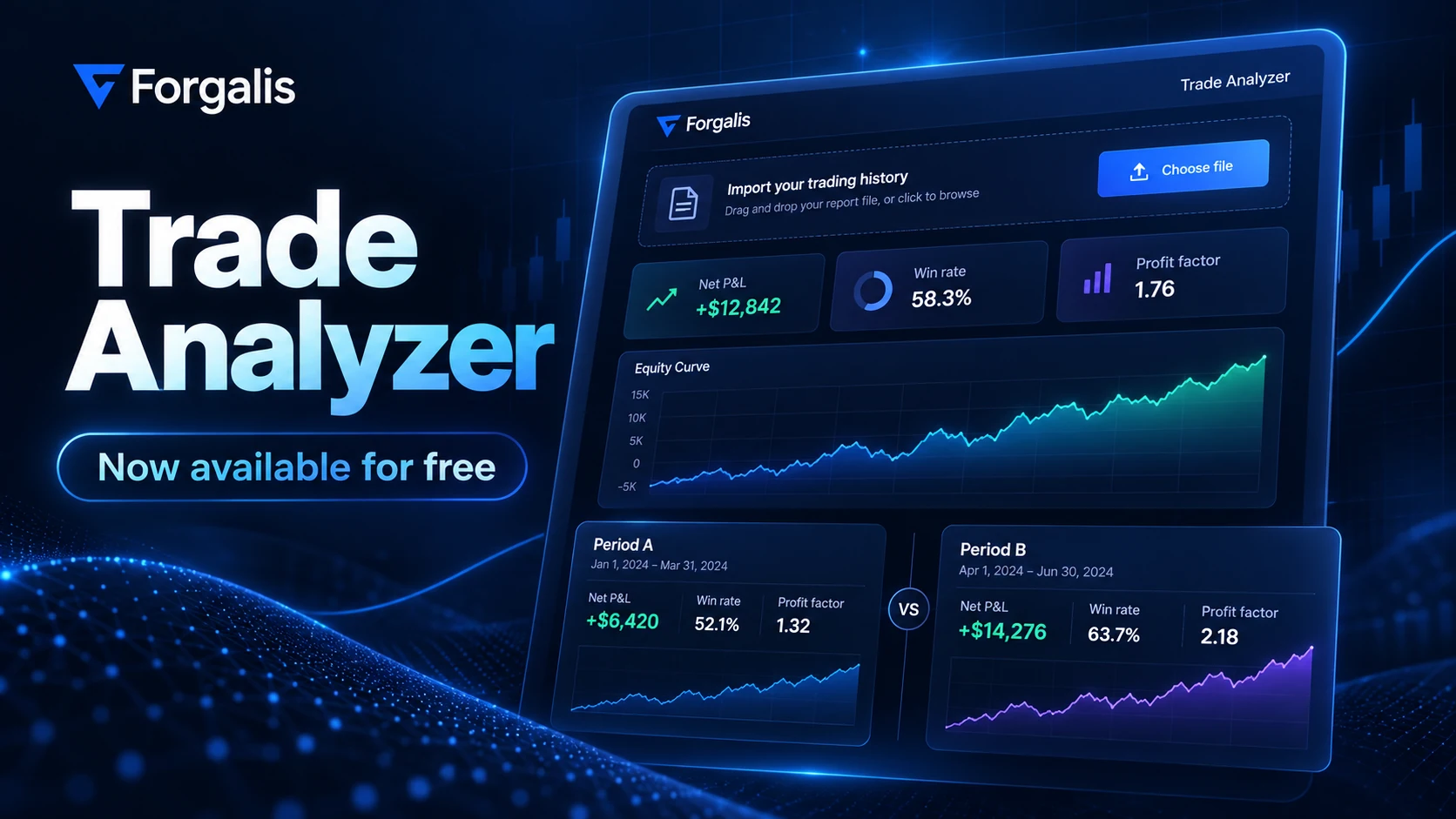
Forgalis Trade Analyzer is now available for free. Bring a supported trading history report into your browser and get a clearer view of what happened, without registering an account or connecting to a broker.
From trade history to an understandable review
Import a supported MT4, MT5, cTrader, Forgalis TradingJournal or normalized CSV history file. Trade Analyzer brings your closed trade results into a visual dashboard with net P&L, win rate, profit factor, costs where reported, instrument and time-based views, and the source records behind the numbers.
Supported file layouts depend on the platform and export format. If a file does not contain the information needed for a particular analysis, the tool explains what can be calculated rather than inventing missing data.
Compare two trading periods
Select closing months or custom date intervals for Period A and Period B, including a shortcut for two consecutive seven-day windows. See each period's results separately and inspect the actual trades included in each comparison.
Free, private and ready to use
The imported history is processed in your browser. You do not need a Forgalis account, subscription or live broker connection. You can also explore the example data before importing a report of your own.
Open the free Forgalis Trade Analyzer and try a review with a supported history file.
Looking ahead
Trade Analyzer is available to use today, with room to evolve. We are interested in how traders put it to work and which insights matter most to them. Feedback and real-world use can help guide where we take it next.